So you want to get into 3D printing? Sounds like a great idea! But before you dive into the world of CAD and modeling, there's one decision you need to make: Blender or Freecad?
Blender: The 3D Printing Toolbox
Tip #1: Start small
One of the biggest mistakes beginners make when using Blender for 3D printing is trying to tackle huge, complex projects from the get-go. Instead, start with something simple like a keychain or a small figurine. This will help you get a feel for the software and identify any areas where you might need to improve.
Tip #2: Use the 3D Printing Toolbox
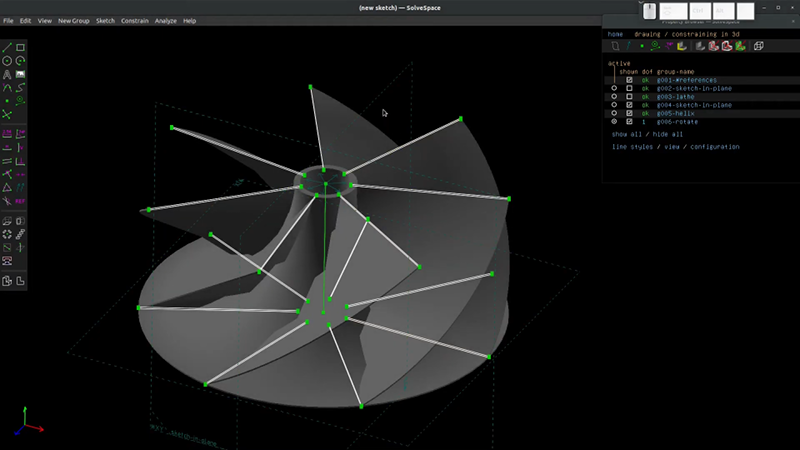
Blender comes equipped with a 3D Printing Toolbox that makes it easier for you to prepare your models for printing. This toolbox includes features like wall thickness analysis, overhang angle detection, and even a tool for adding support structures to your model.
Idea #1: Kitchen Gadgets
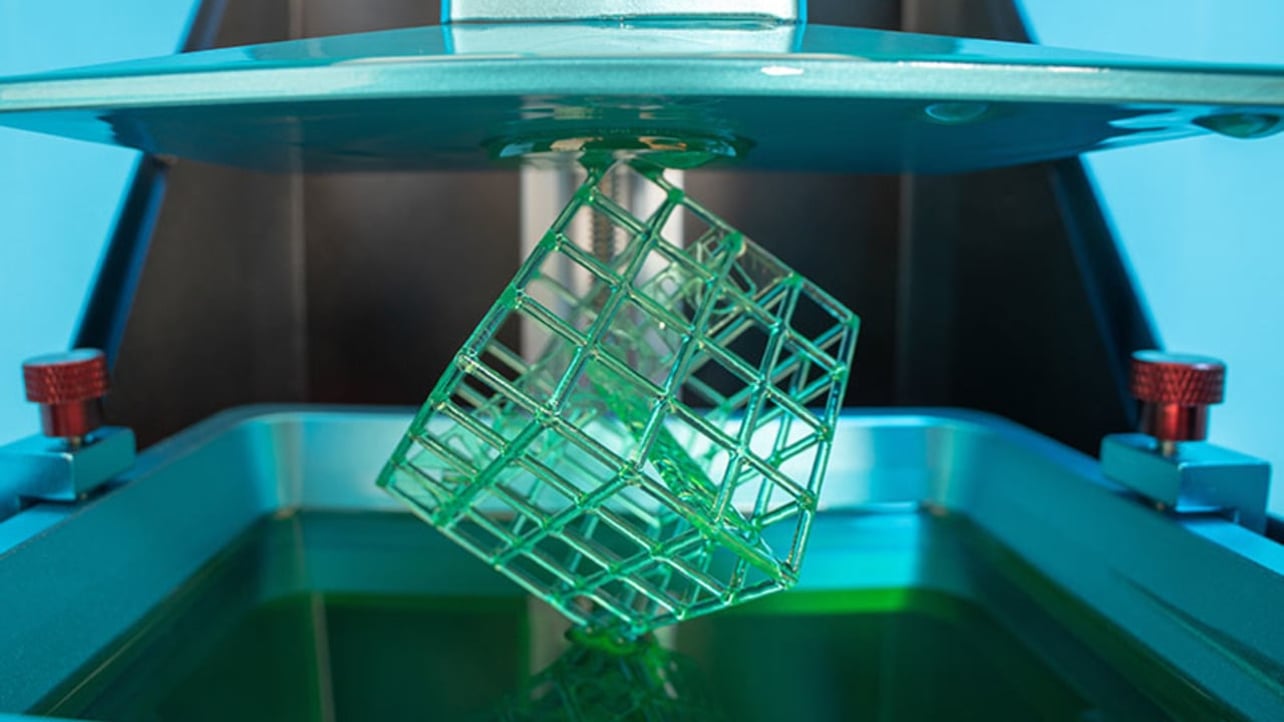
Why not create your own custom kitchen gadgets using Blender? You could design a unique salt shaker or a custom spice rack that's tailored to your needs. The possibilities are endless!
How To #1: Importing Sketches
If you're not comfortable with creating models from scratch, you can import sketches into Blender and use them as a guide. First, create your sketch in another program (like Inkscape) and export it as a DXF file. Then, in Blender, select File > Import > DXF and select your file.
Freecad: The Free CAD Solution
Tip #1: Learn the Basics
Before you dive into designing models in Freecad, it's important to get a good grasp on the basics. This means understanding the different workbenches, the navigation tools, and basic sketching techniques.
Tip #2: Use Constraints
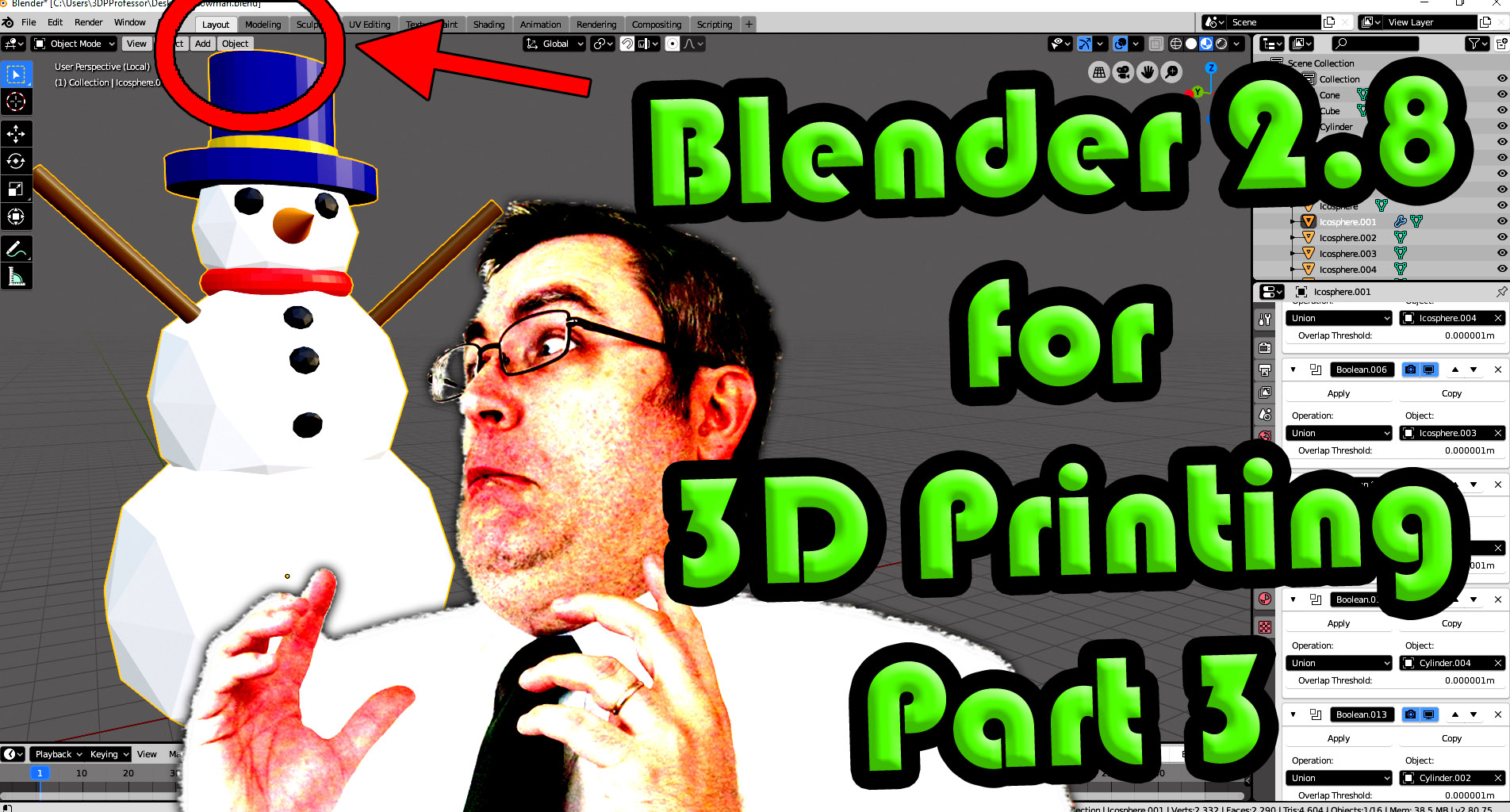
Constraints are one of the most powerful tools in Freecad. They allow you to precisely control the size and position of your sketches and 3D models. Take the time to learn how to use them effectively, and you'll find that your models are more accurate and easier to edit.
Idea #1: Jewelry Design
If you're interested in designing your own jewelry, Freecad is a great choice. With its precision tools and 3D modeling capabilities, you can create custom rings, necklaces, and bracelets that are truly one-of-a-kind.
How To #1: Fillet Edges
If you want to round off the edges of your 3D model, you can use the Fillet command. First, select the edges you want to fillet, and then select the Fillet tool. You can adjust the radius of the fillet to get the desired effect.
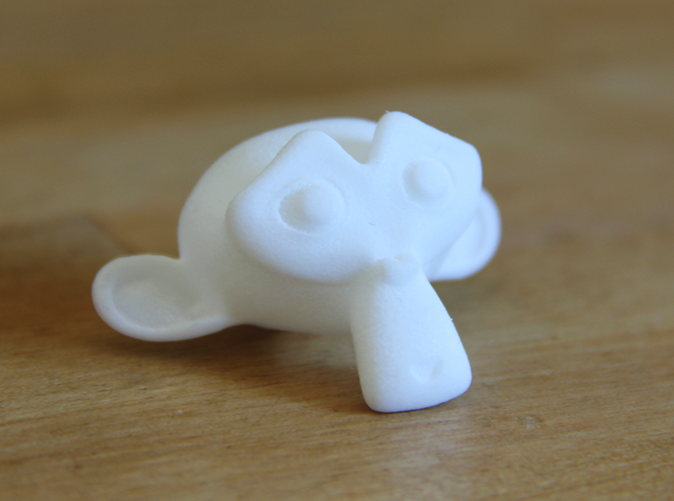
So, which one should you choose? Ultimately, it comes down to personal preference. Blender offers a wide range of tools and features, but can be overwhelming for beginners. On the other hand, Freecad is more focused on CAD and precision modeling, but has a steeper learning curve. Whichever you choose, remember to start small, learn the basics, and have fun!
Read more articles about 3d Printing Blender Vs Freecad