File Types For 3d Printing - Are you new to the world of 3D printing? It can be overwhelming to understand all the different types of file formats and printers available out there. But don't worry, we've got you covered. In this post, we will go over the most common file formats and 3D printers you need to know to get started. Plus, we'll provide some tips and ideas on how to optimize your 3D printing experience.
10 Most Popular 3D File Formats
1) STL (StereoLithography)
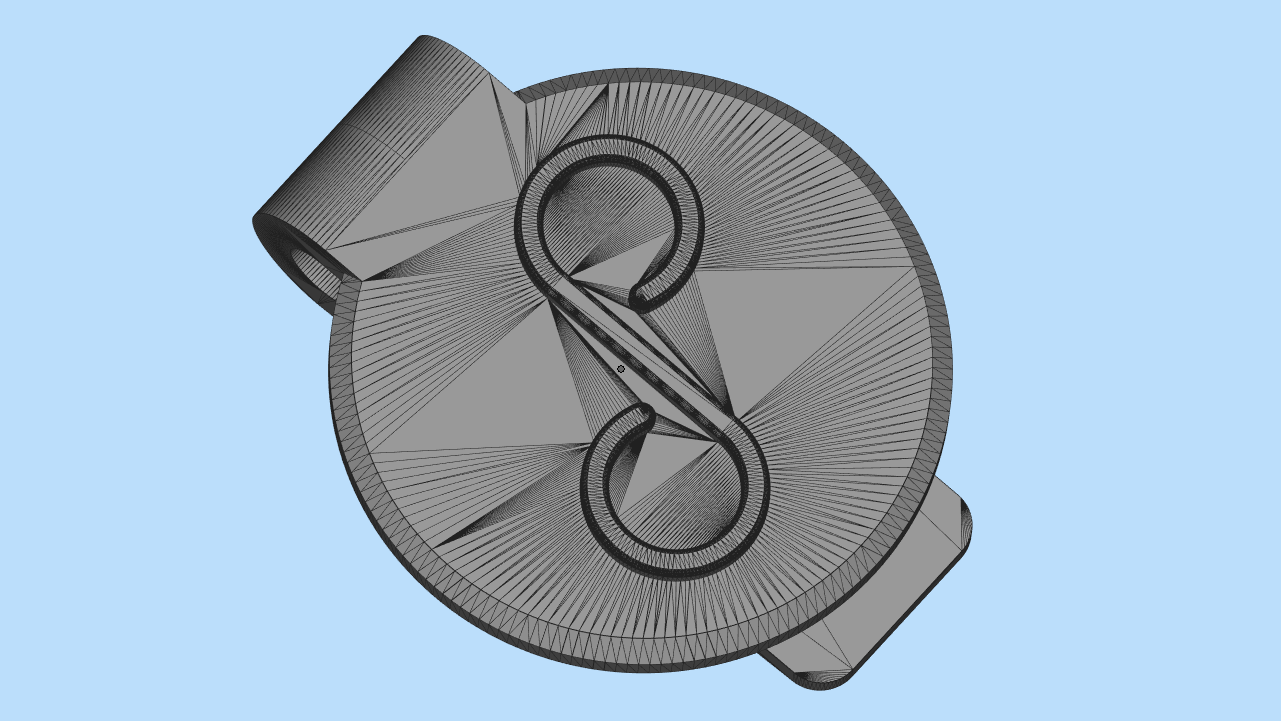 STL is the most common file format used for 3D printing. The format creates surfaces out of triangles, which makes it perfect for printing objects with smooth surfaces. However, STL files don't provide any color or texture information.
2) OBJ (Wavefont)
 OBJ is another format commonly used in 3D printing. It supports both geometry and texture information, which allows you to print more complex objects with different colors and textures. It's also widely supported in various 3D applications and can be exported from most 3D software.
3) 3MF (3D Manufacturing Format)
3MF is a newer file format that's specifically designed for 3D printing. It provides more information about a model, including color, texture, and material information. Plus, it has built-in support for various printing features like slices and support structures.
4) AMF (Additive Manufacturing Format)
AMF is similar to 3MF in that it's designed for 3D printing, but it's based on XML instead of binary. It supports more features than STL, including color and texture information, but it's not as widely supported as some of the other formats.
5) VRML (Virtual Reality Modeling Language)
VRML is a file format used for 3D modeling in virtual reality applications. It supports color and texture information, but it's not commonly used in 3D printing.
6) X3D (Extensible 3D)
X3D is an updated version of VRML that's based on XML. It's similar to VRML in terms of functionality, but it's more modern and can support additional features like animation and interactivity.
7) STEP (Standard for The Exchange of Product Data)
STEP is a file format used for exchanging 3D CAD models between different software programs. It supports a wide range of features, including geometry, color, and texture information, but it's not commonly used in 3D printing.
8) IGES (Initial Graphics Exchange Specification)
IGES is another file format commonly used for exchanging 3D CAD models. It's similar to STEP in terms of functionality and features, but it's an older format that's less commonly used today.
9) FBX (Filmbox)
FBX is a file format commonly used in the film and game industry. It supports geometry, texture, and animation information, but it's not commonly used in 3D printing.
10) COLLADA (COLLAborative Design Activity)
COLLADA is an open standard file format used for exchanging 3D models between different software applications. It supports a wide range of features, including geometry, texture, and animation information, and it's commonly used in the gaming industry.
Types of 3D Printers
1) Fused Deposition Modeling (FDM)
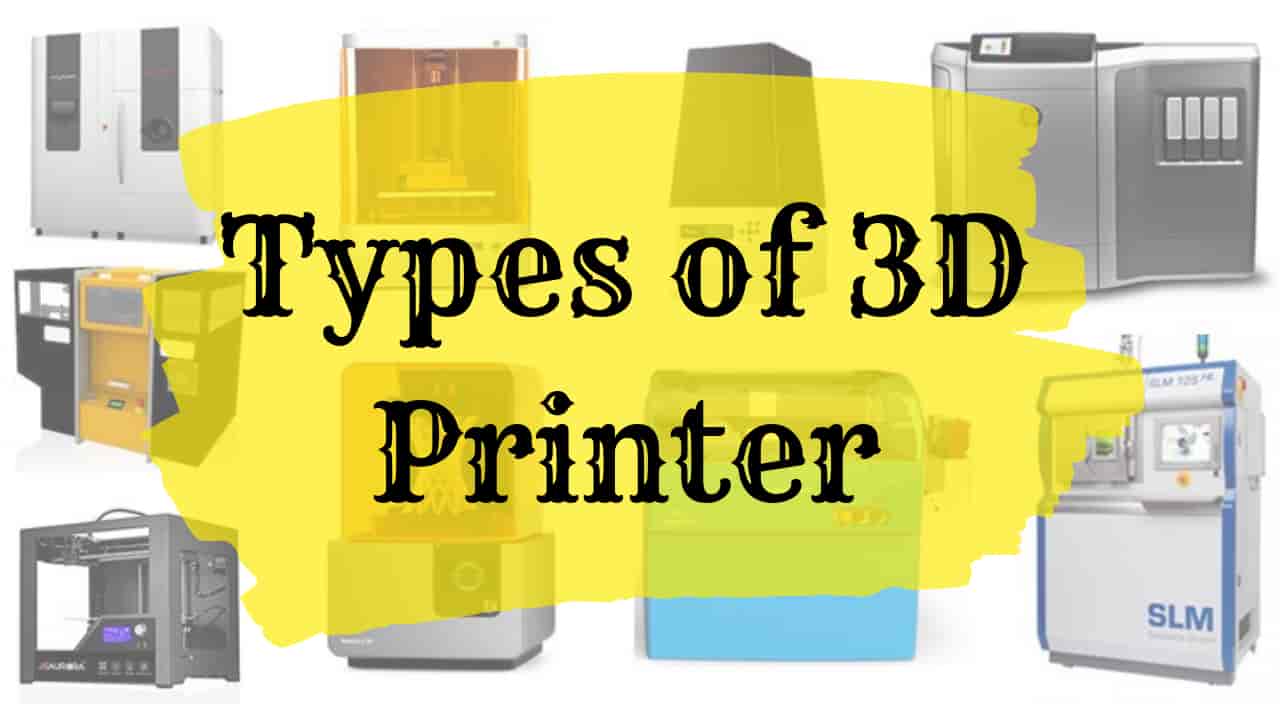 FDM is the most common type of 3D printer, and it works by melting a material, usually plastic, and then extruding it layer by layer to create a 3D object. FDM printers are affordable, easy to use, and widely available.
2) Stereolithography (SLA)
SLA is another popular type of 3D printer that uses a liquid resin and a laser to create a 3D object. SLA printers can create highly detailed objects with a smooth finish, making it an ideal choice for creating small or highly detailed objects.
3) Selective Laser Sintering (SLS)
SLS is a type of 3D printer that uses a laser to sinter a powdered material, usually metal or plastic, layer by layer to create a 3D object. SLS printers can create highly detailed objects with complex geometries, making it an ideal choice for manufacturing parts for the aerospace, automotive, and medical industries.
4) Digital Light Processing (DLP)
DLP is similar to SLA in that it uses a liquid resin and a light source to create a 3D object, but it uses a projector instead of a laser. DLP printers can create highly detailed objects at a faster speed than SLA printers.
5) Binder Jetting
Binder Jetting is a type of 3D printer that uses a liquid binder to bind a powdered material, usually metal or ceramic, layer by layer to create a 3D object. Binder Jetting printers can create highly detailed objects with a smooth finish but are more commonly used in the manufacturing industry than for personal use.
Tips and Ideas for 3D Printing
1) Choose the Right Materials
When choosing materials for your 3D prints, consider the end-use of the object. PLA is a popular choice for beginners, but it's not suitable for high-temperature applications. ABS is better suited for high-temperature applications but can be more difficult to print. Nylon is a strong and durable material but requires a specific printing environment.
2) Optimize Your Settings
When 3D printing, it's essential to optimize your print settings to achieve the best results. Consider factors like layer height, print speed, and infill percentage when setting up your print. Experiment with different settings to find the right balance between quality and speed.
3) Use Support Structures When Necessary
Sometimes, your 3D model may require support structures to print successfully. Support structures are temporary structures that help hold up overhanging parts of your model. Make sure to add support structures if necessary to prevent any printing issues.
4) Consider the Printing Environment
The printing environment can significantly impact the quality of your 3D prints. Consider factors like temperature and humidity when setting up your printer. Make sure to print in a well-ventilated area to avoid inhaling any fumes from the materials.
5) Utilize Online Resources
Finally, don't hesitate to use online resources to improve your 3D printing skills. Websites like Thingiverse offer free 3D models for you to download and print, while forums like Reddit's r/3Dprinting offer a community of experienced 3D printers who can provide advice and answer questions.
Now that you have a better understanding of 3D file formats and printers, it's time to start creating! By following these tips and ideas, you'll be well on your way to creating high-quality 3D prints.
Find more articles about File Types For 3d Printing